Business cardsPersonal cardsBirthdaysWeddingsPartiesConcertsShowsDinnersDatesConferencesProductsOrganisationsSporting clubsReligious groupsCharitiesPromotionsYour imagination is the only limit.
Gift a Digiprofiles subscription

YOUR LIFE, CONNECTED

One life. Many profiles. More ways to connect.

Create a Digital Profile (Digiprofile) for everything you do, then choose the actions people can take, so every connection counts. Digiprofiles is one platform for all of life's connections.

We're testing Digiprofiles with a small group before launch. Email us and we'll let you know the moment it's ready.

Plans start at just 29 a year, in your currency. Free trial. Cancel any time.

Refer friends who subscribe and get free time

Share Digiprofiles with friends. When they become paid subscribers, free time is added to your subscription, on the same plan.

Referral program terms

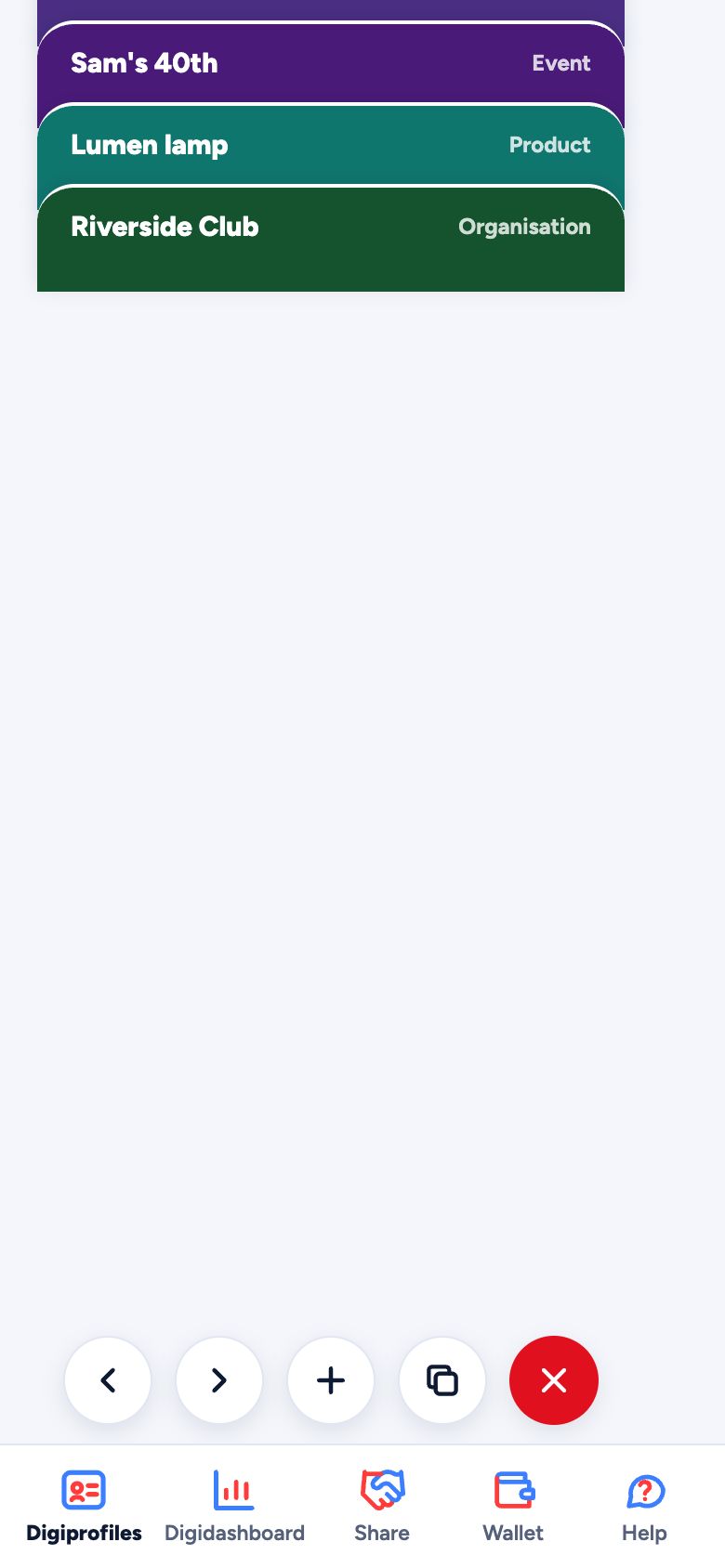
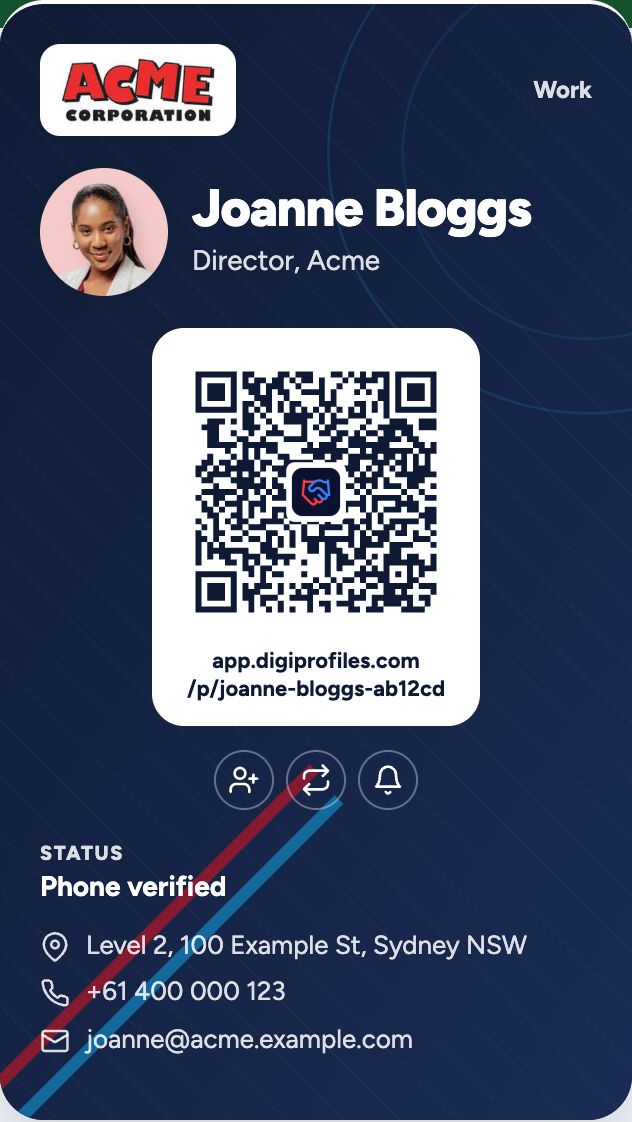
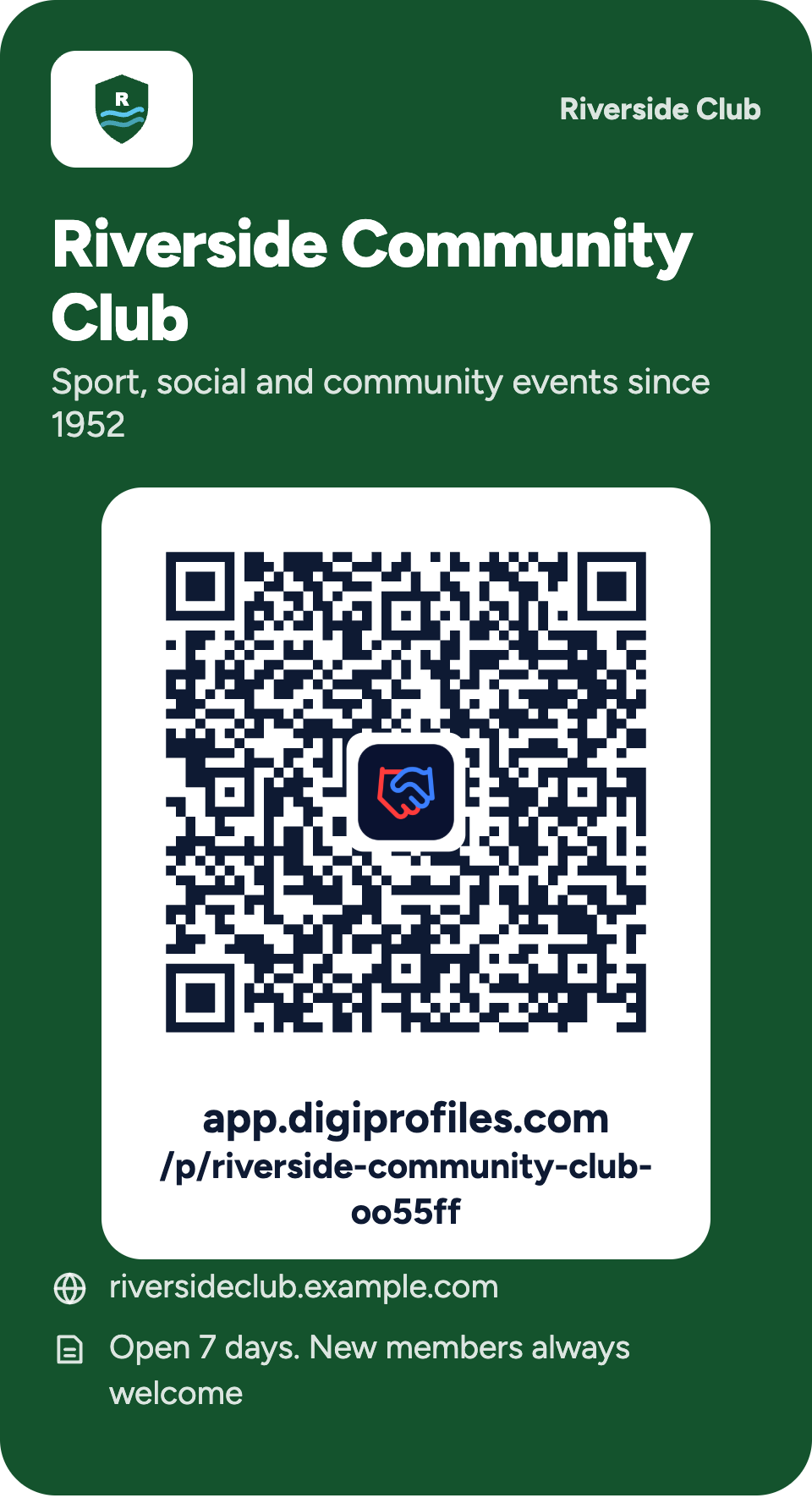
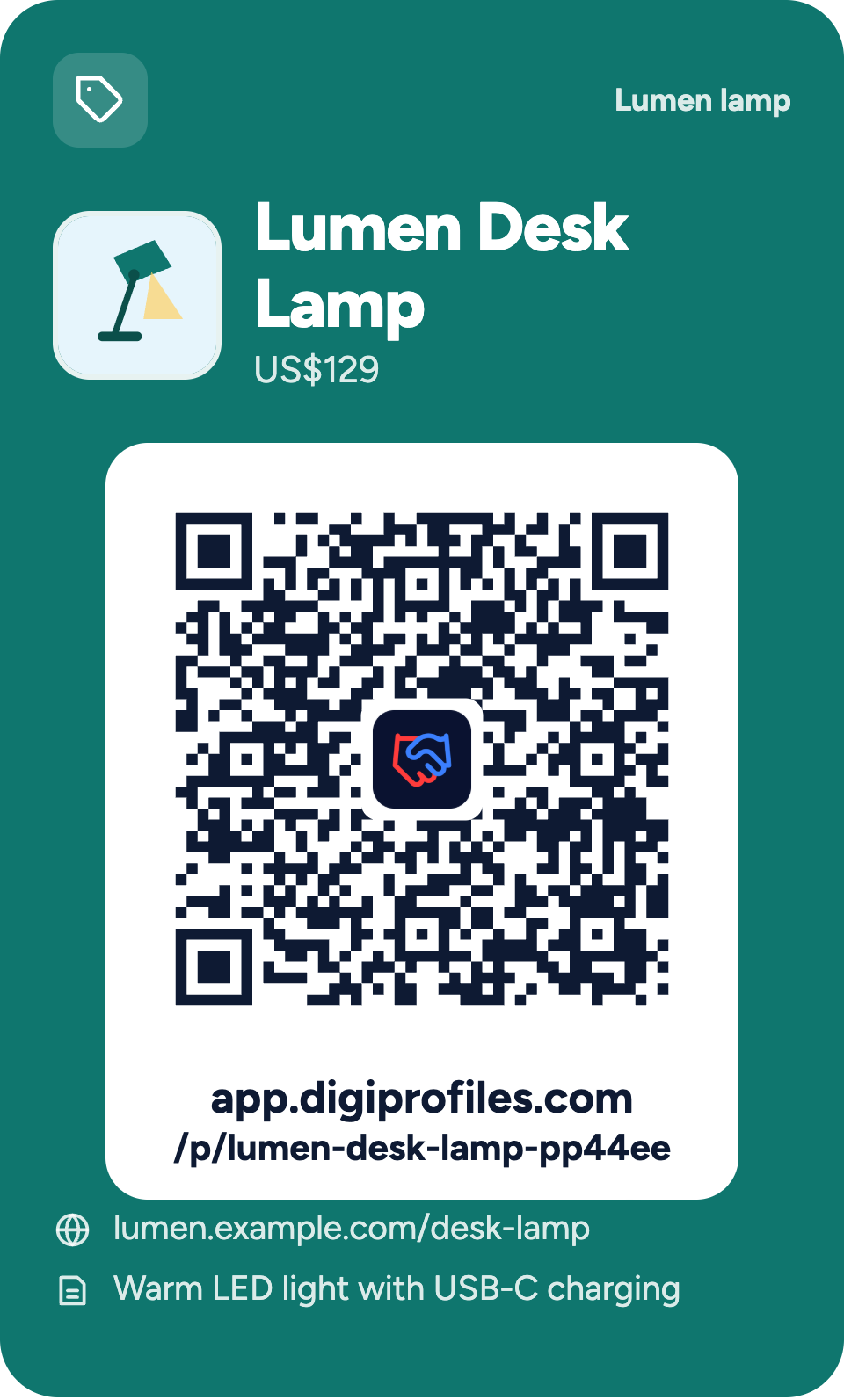
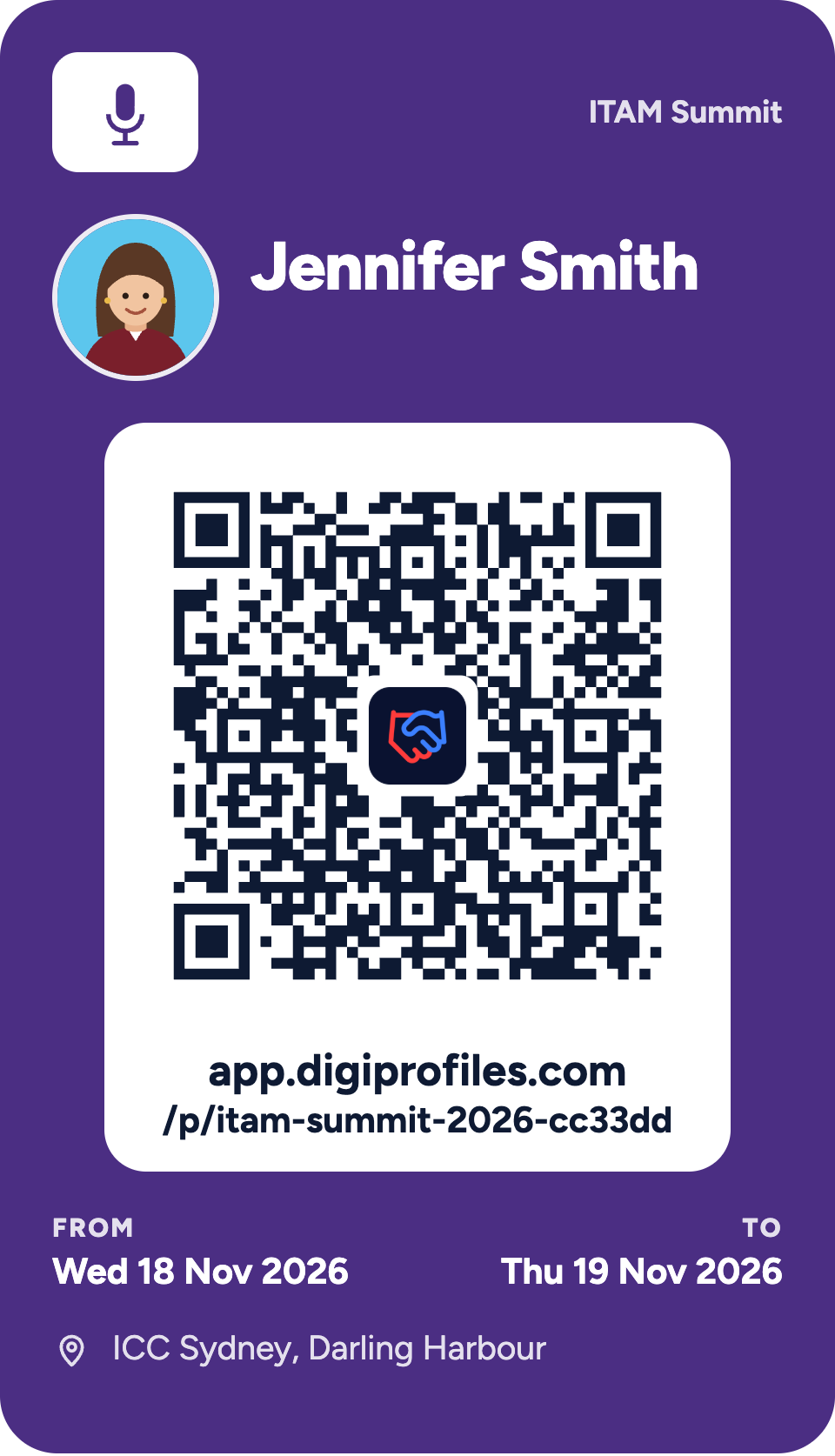
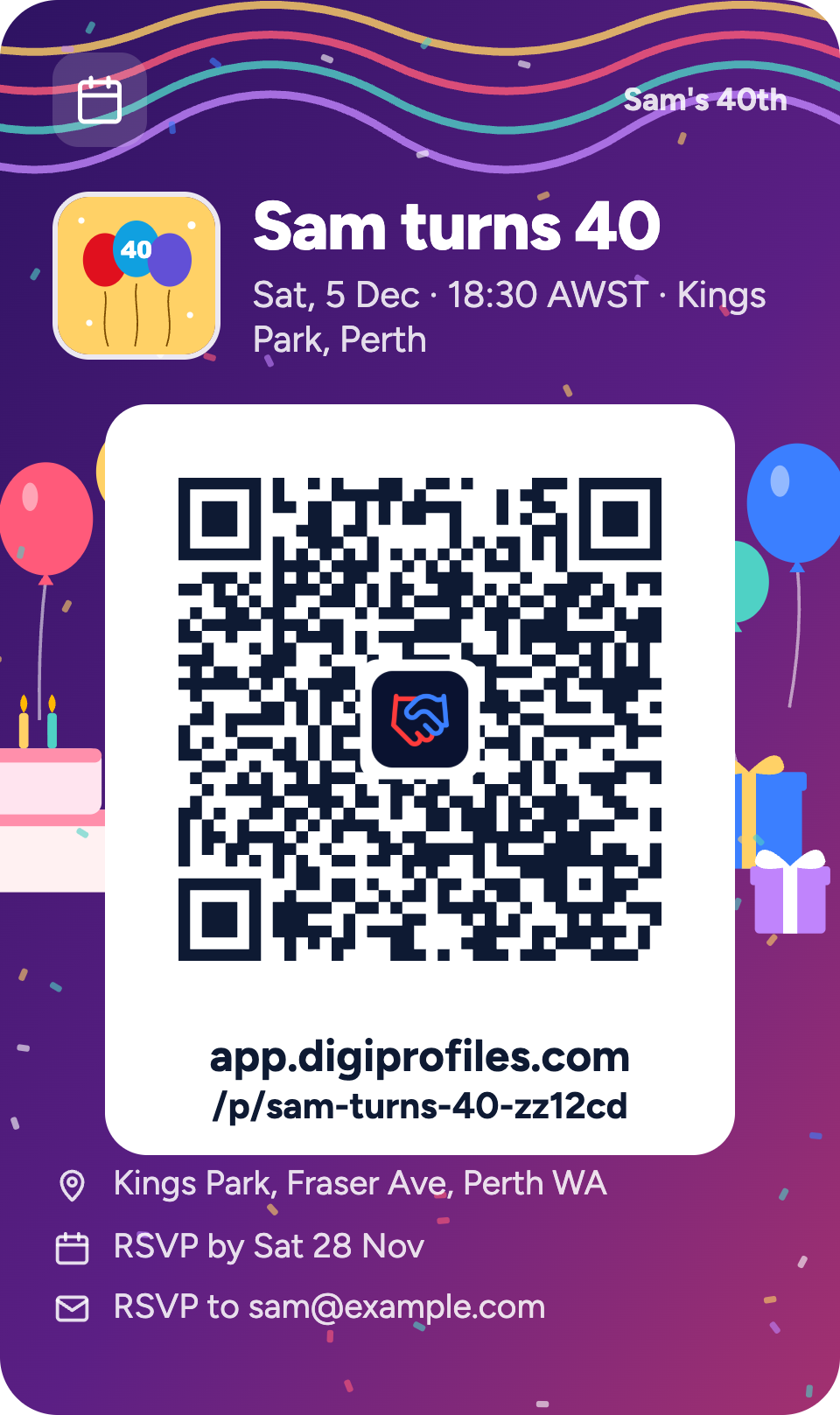
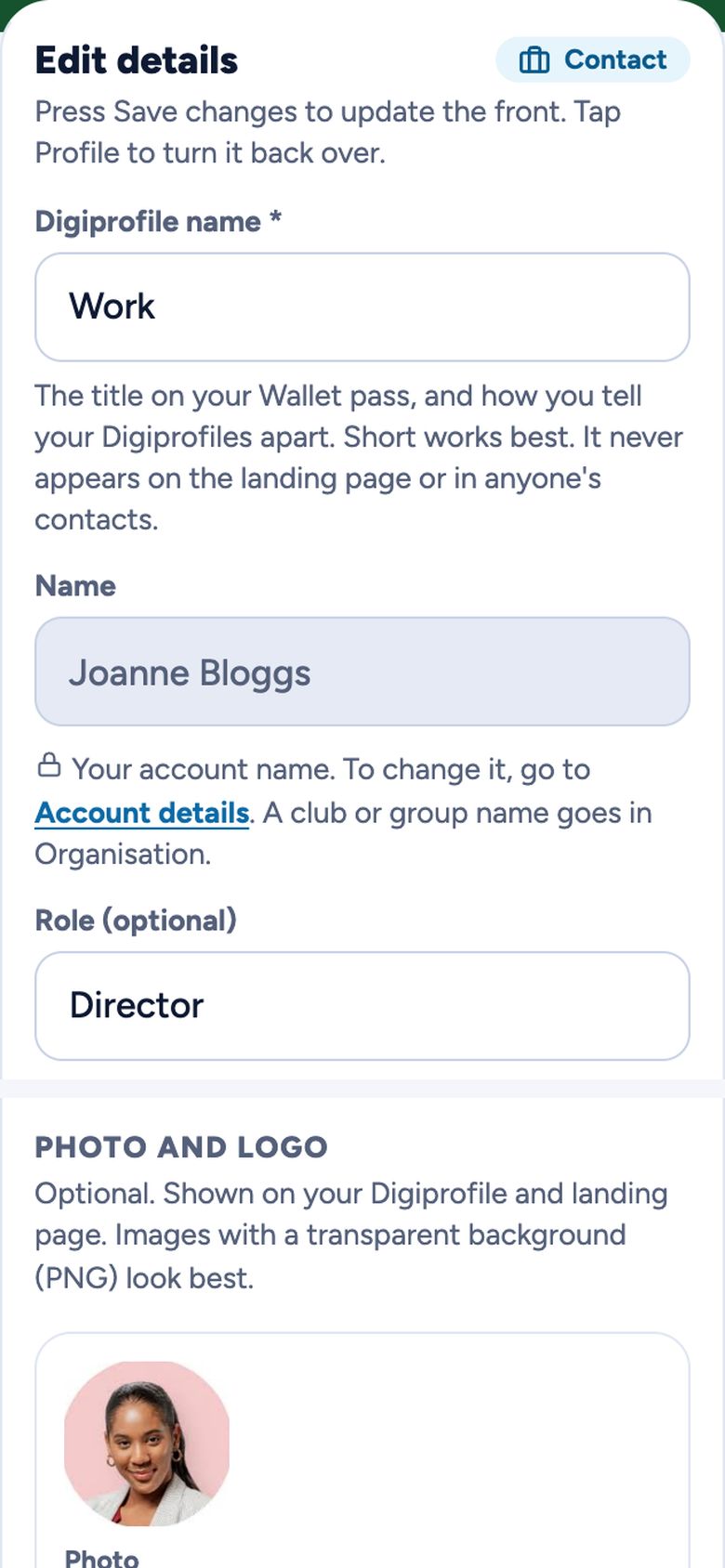
An organisation Digiprofile for Riverside Community Club A product Digiprofile for the Lumen Desk Lamp A conference Digiprofile for Jennifer Smith at ITAM Summit 2026 An event Digiprofile for Sam turns 40 A Contact profile for Joanne Bloggs

What is a Digiprofile?

A Digiprofile is a digital profile for one part of your life: work, home, a club, an event, a product or a conference. It shows the details and pictures you choose, and gives people actions they can take in one tap, like saving your contact, sharing their details back or setting a reminder. Share it with a QR code, a link or your phone's Wallet. Change it any time and everyone you've shared it with sees the latest.

3 easy steps

  1. 1
    CreateEnter your details, add images and choose a background.
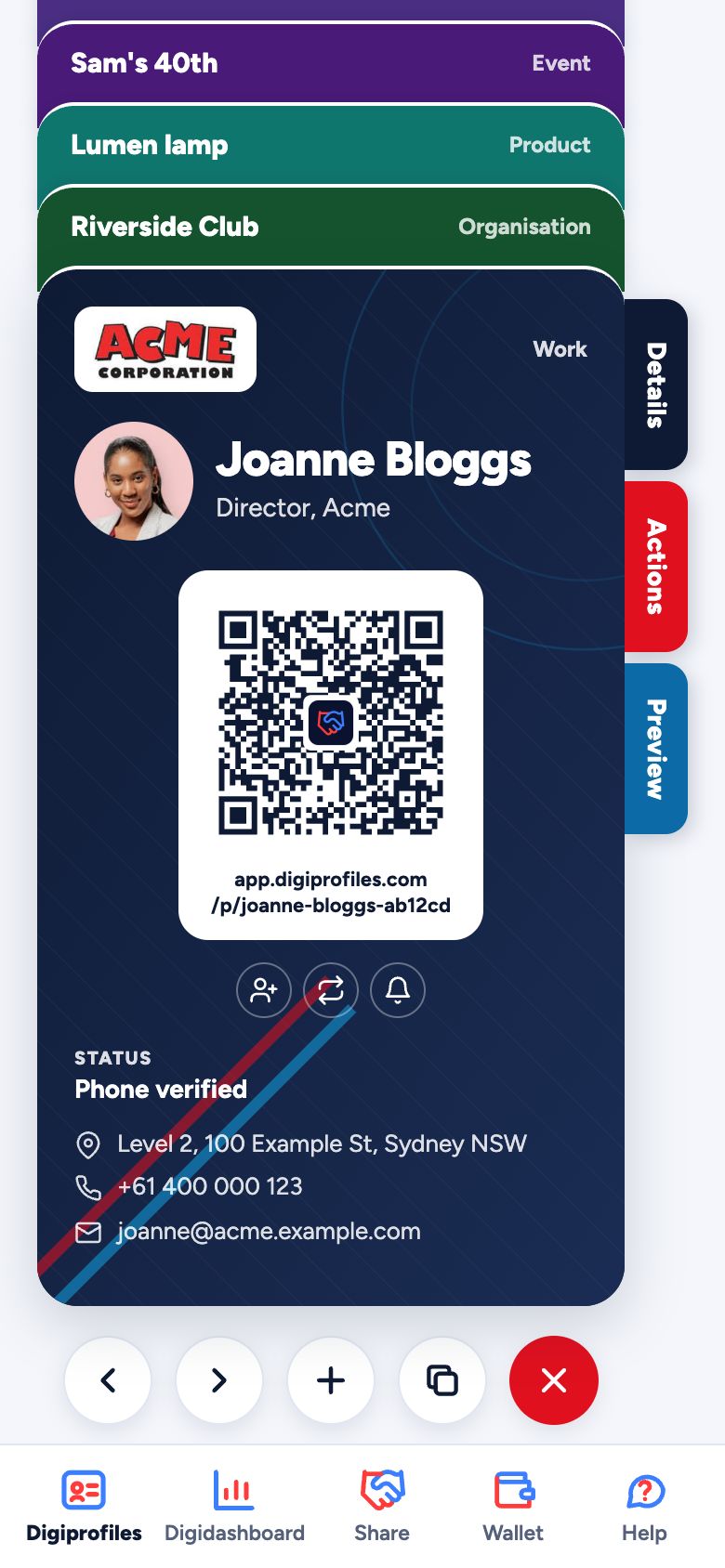
    Details
    Edit details in the app: name, role and organisation, photo and logo, and a background theme
    Profiles
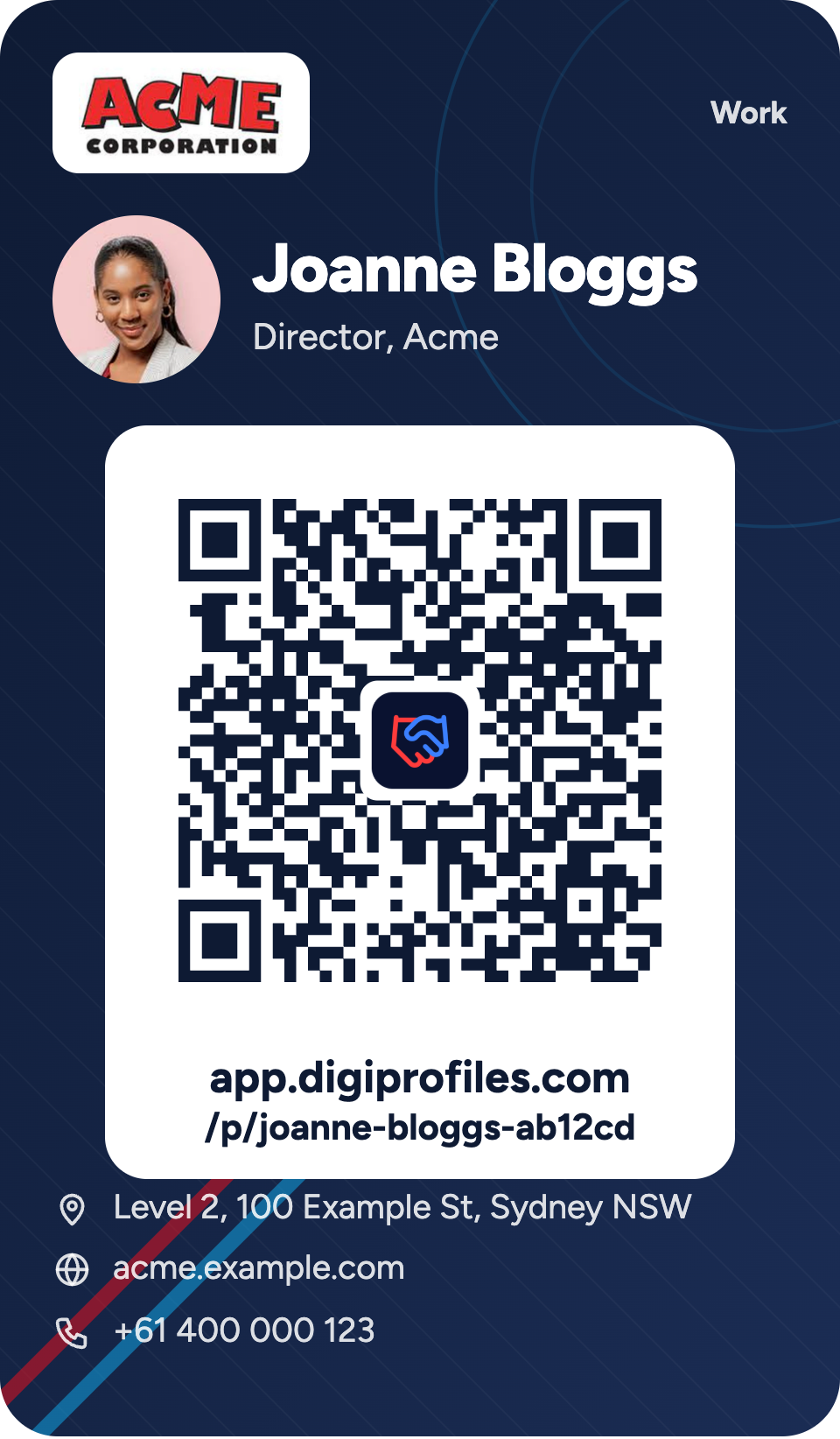
    The finished Digiprofile in My Digiprofiles, with its QR code
  2. 2
    ActionAdd the actions you want your friend, colleague or customer to take.
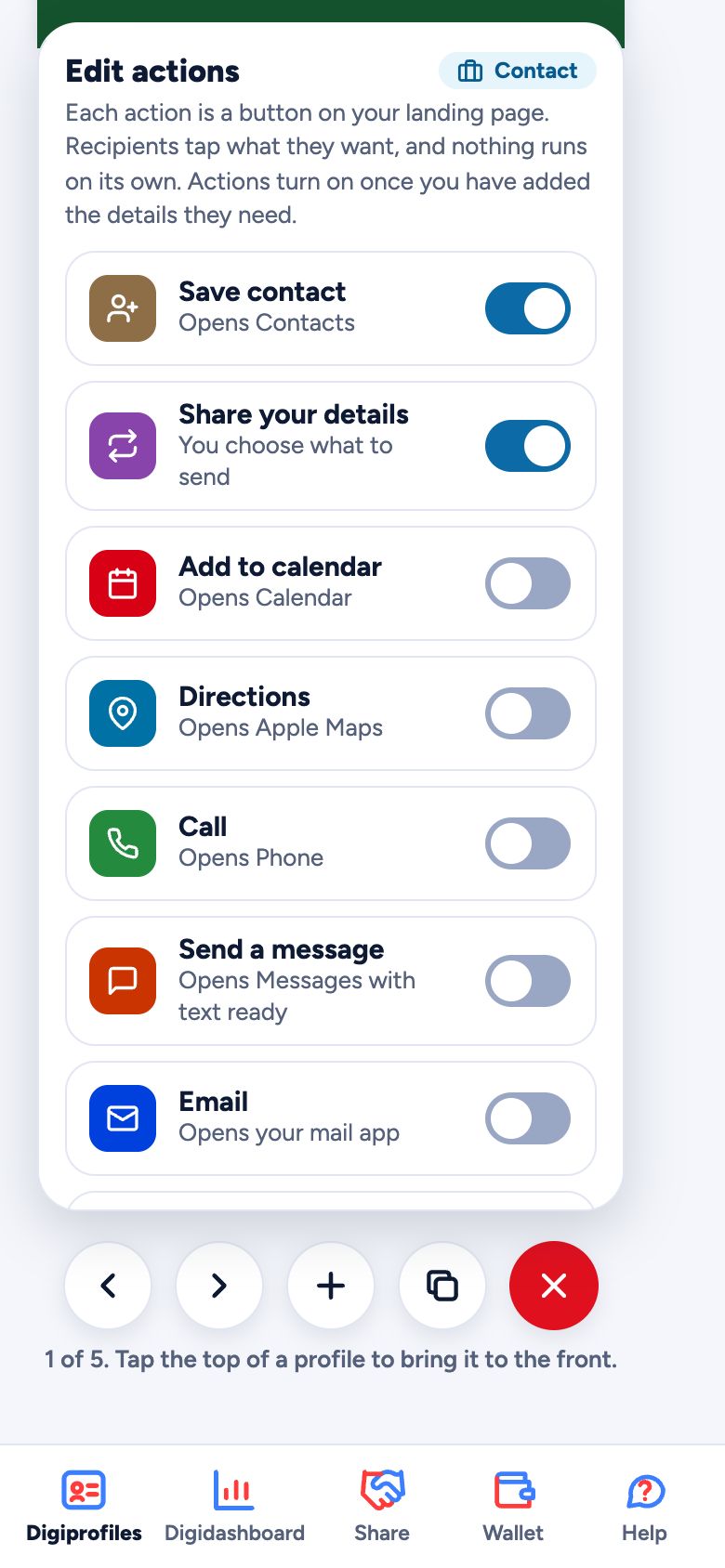
    Actions
    Edit actions in the app: Save contact and Share your details switched on
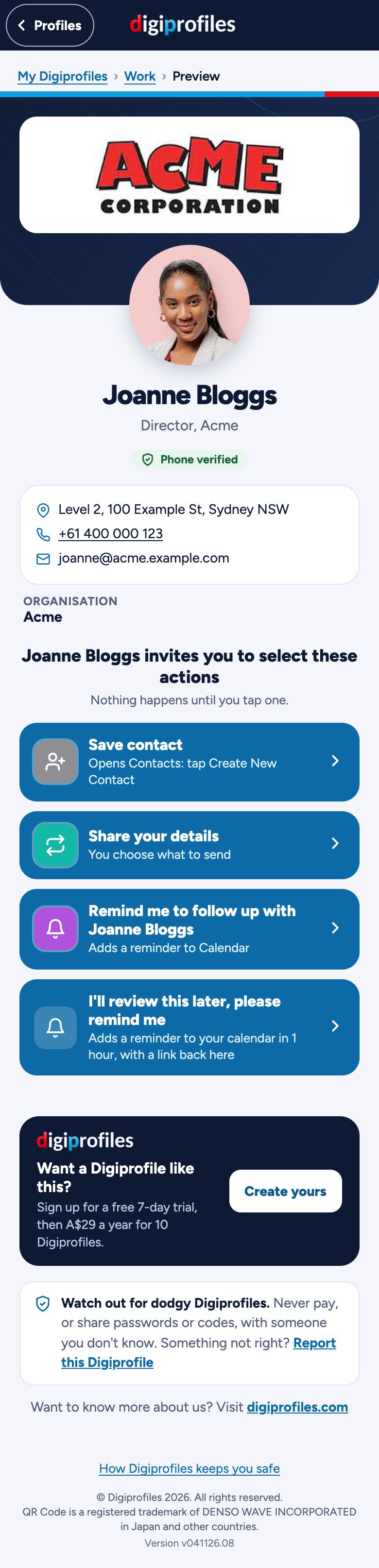
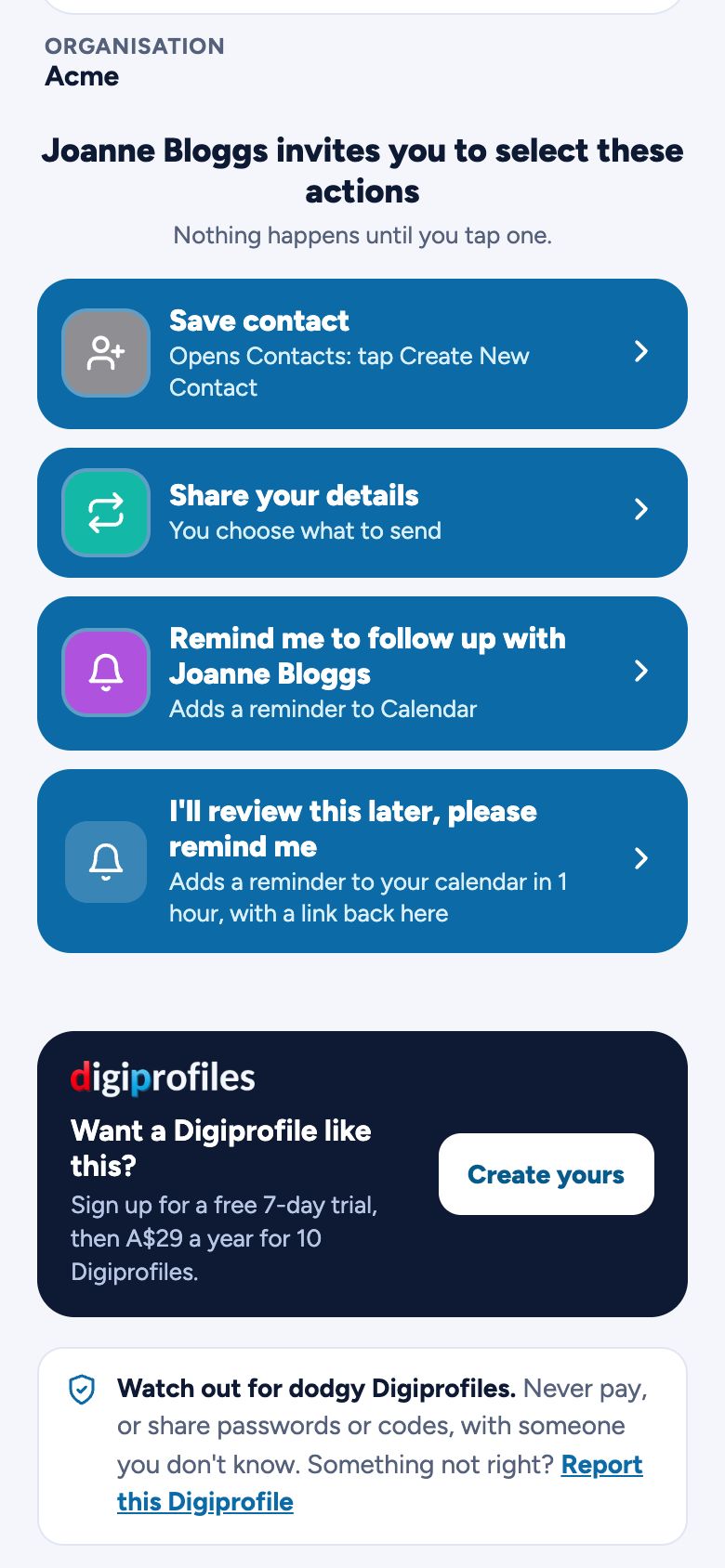
    Landing Page
    The landing page people see, with the actions ready to tap and none used yet
  3. 3
    ShareShare with who you choose, for quick, easy updates, actions and viewing.
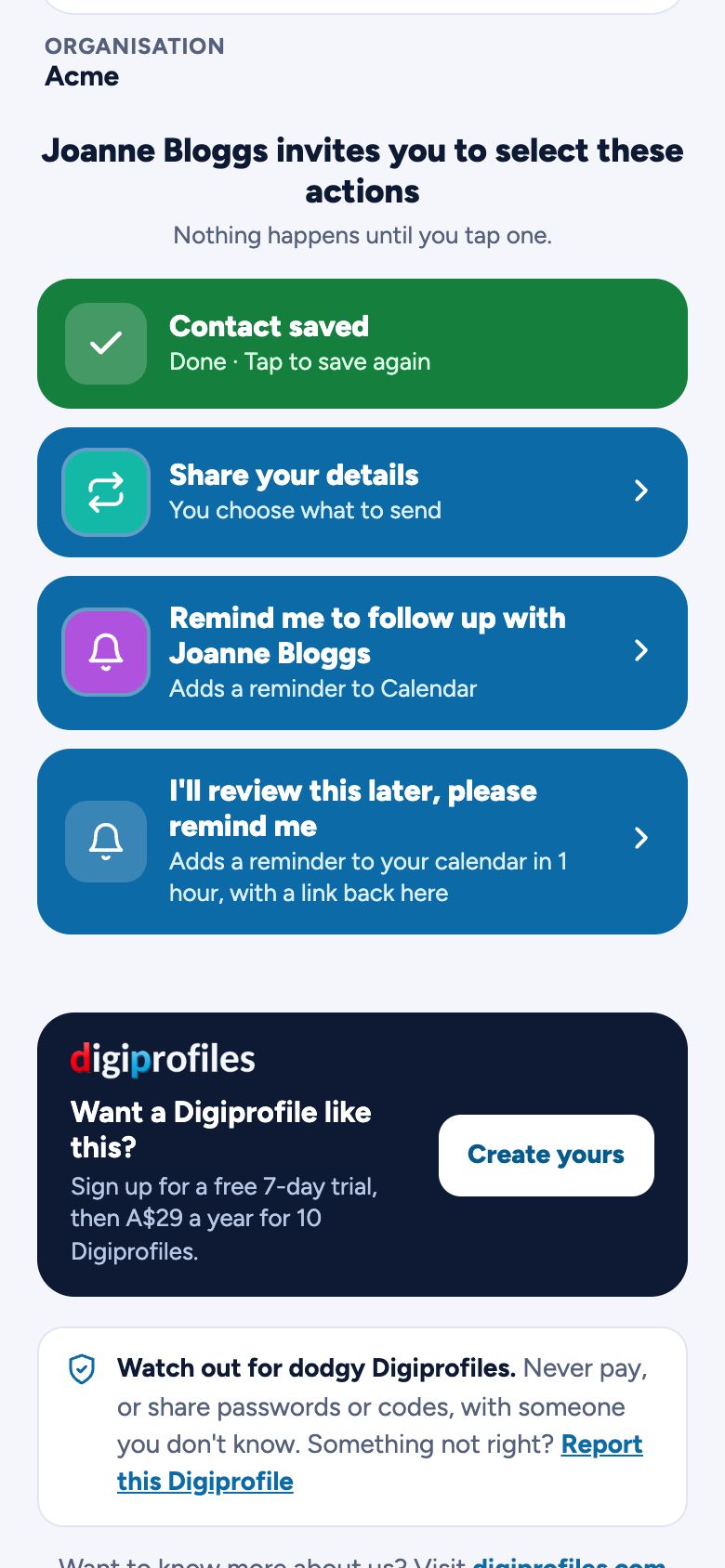
    Landing Page
    The landing page after Save contact was tapped: the button has turned green
    Saved Contact
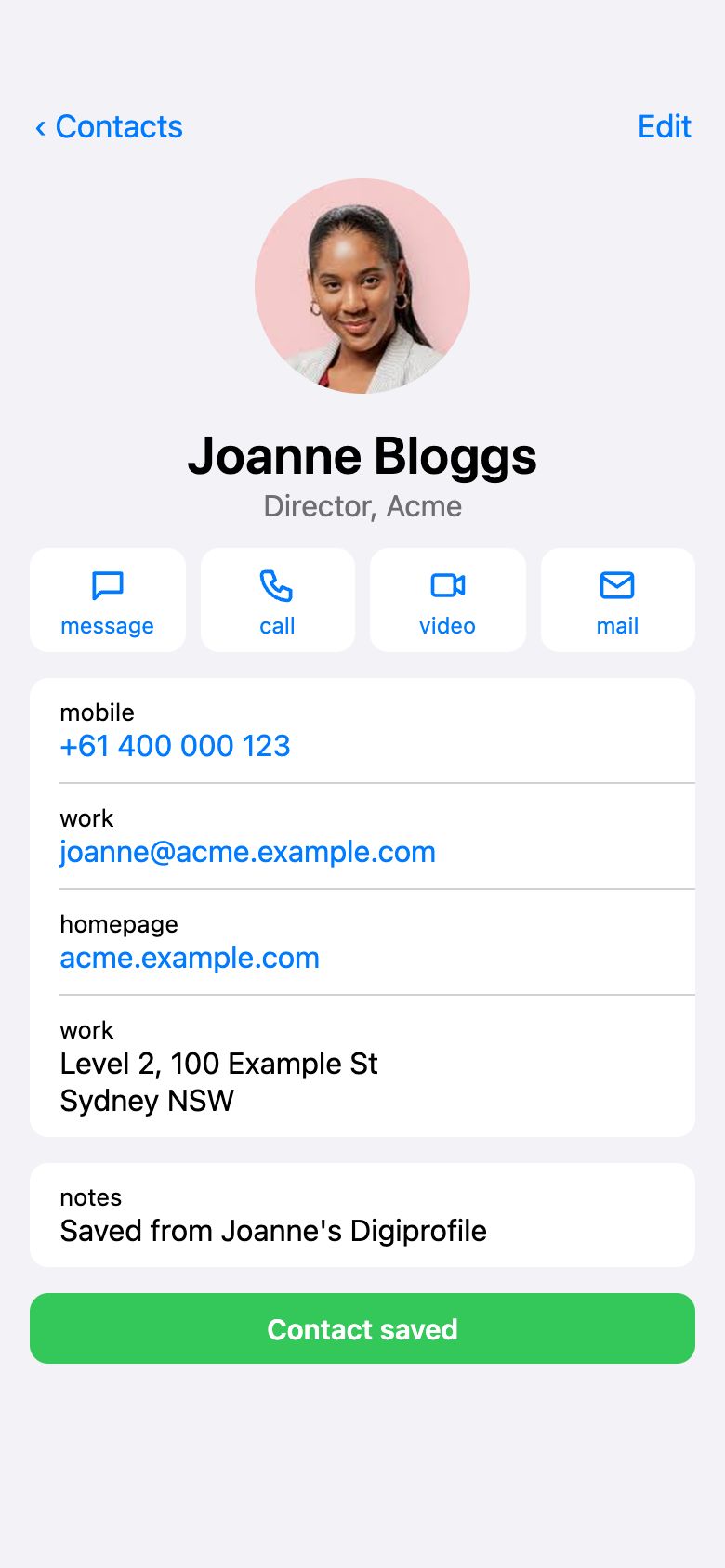
    The contact saved in the phone's Contacts app, with photo, phone, email and address

A Digiprofile for every part of your life

Tap any Digiprofile to enlarge it, then flip it to see its actions. Each Digiprofile does more than show your details. You choose the actions people can take, from saving your contact to sending you theirs. Update a Digiprofile any time and everyone who has it stays current. You can even put your own logo in the middle of its QR code.

Save your Digiprofiles in your Apple or Google wallet, ready when you need them.Save & print your QR code, or add your link to your email signature.

What else can I do…

Every plan also has the Digidashboard, one-time appointments and Handshake. Here's how they look in the app.

Digidashboard

See how often each Digiprofile is shared, and how many people send you their details back, month by month and year on year. Look at them all together or one at a time.

One-time appointments

Met someone and want to catch up? Add a time to meet when you share your Digiprofile. It goes with it just this once, and they add it to their own calendar in one tap, in their own time zone.

Handshake

Both have Digiprofiles? One of you shows a code and the other scans it, and you go straight into each other's Contacts. The code lasts 2 minutes. For Contact profiles and their conferences.

See it in action

A look inside the app. Choose a Digiprofile type, then tap Details, Actions or Preview on the Digiprofile, just as you would in the app.

Everything here is an example.

Please tap the tabs and scroll inside the screen to see the full power of the Digiprofile.

Live Reviews

Watch this space for ratings and reviews…

What's Next…

We're not sitting still. We're excited to announce two new tools on the way.

Coming

Organisation Manager

Helps businesses use Digiprofiles directly: build in your corporate marketing standards and create Digiprofiles for your employees. See how it works and the prices.

Coming

Conference Manager

Helps conference organisers get more from their conferences, vendors and attendees.

Watch this space for more news, or contact us for more information.

Safeguards

Scam emails and fake links have made people wary of scanning codes, and rightly so. Digiprofiles is built so that sharing and scanning stay safe.

See all our safeguards, and which are in place today · Report a dodgy Digiprofile

Read our privacy policy.

  • One genuine address. Every Digiprofile opens at app.digiprofiles.com, never a shortened or lookalike link.
  • The address under every QR code. See where a code goes before you scan it.
  • No files from strangers. The only downloads are ones Digiprofiles creates, like a contacts file or a calendar entry.
  • Protected accounts. Verified mobiles, a code at every sign-in, and one account per number.
  • Consent first. People share their details with you only by choice, and confirm by email.
  • Never sold. Your data is never sold or used for marketing.